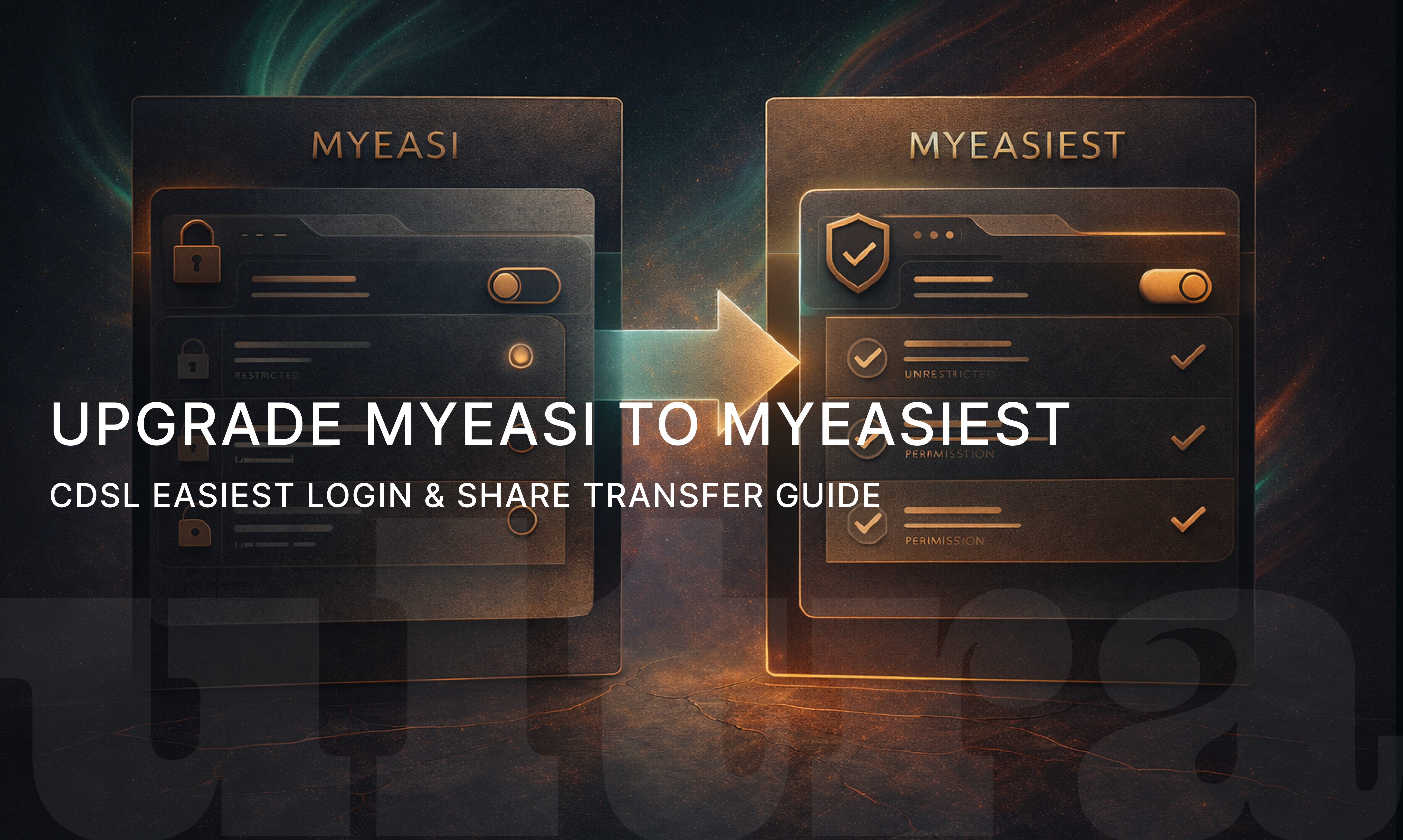
Upgrade MyEasi to MyEasiest: Complete CDSL Easiest Guide
19 December 2025
A Complete Step-by-Step Guide to CDSL MyEasi to MyEasiest Upgrade, Login, and Share Transfer.
Introduction to MyEasi and MyEasiest
Managing demat accounts efficiently is critical for today’s investors, especially when it comes to secure share transfers, portfolio access, and transaction approvals. CDSL (Central Depository Services Limited) offers two popular online facilities for investors — MyEasi and MyEasiest.
While MyEasi allows investors to view holdings and transaction statements, MyEasiest goes a step further by enabling online share transfers with enhanced security. Due to increasing security standards and regulatory requirements, many investors are now encouraged to upgrade MyEasi to MyEasiest.
In this guide, we explain everything you need to know about Myeasi to Myeasiest, including registration, login, upgrade time, features, and how CDSL Easiest share transfer works.
What Is MyEasi?
MyEasi (Electronic Access to Securities Information) is a CDSL facility that allows investors to:
View demat holdings
Check transaction statements
Monitor ISIN-wise balances
Track corporate actions
However, MyEasi is a view-only platform. It does not allow investors to initiate or approve off-market share transfers.
What Is MyEasiest?
MyEasiest is an advanced version of MyEasi that allows investors to:
Transfer shares online
Approve transactions digitally
Use OTP or TPIN-based authentication
Control trusted BO (Beneficial Owner) accounts
Because of these features, MyEasiest is now widely used for off-market transfers, pledging shares, gifting stocks, and transfers between own demat accounts.
Why Upgrade MyEasi to MyEasiest?
The upgrade from MyEasi to MyEasiest is recommended due to the following benefits:
Secure Online Share Transfers
Initiate and approve share transfers without submitting physical DIS slips.
Regulatory Compliance
Most brokers and platforms now require MyEasiest for off-market transactions.
Faster Execution
Transfers are processed digitally, reducing manual delays.
Enhanced Control
Investors can define trusted demat accounts and approve transactions instantly.
Improved Security
Uses OTP, TPIN, and trusted BO mechanisms.
How to Upgrade MyEasi to MyEasiest
The upgrade Easi to Easiest process is simple and can be completed online.
Step 1: Login to MyEasi Portal
Visit the official CDSL MyEasi login page and sign in using your User ID and password.
Step 2: Select “Upgrade to MyEasiest”
After logging in, choose the option to upgrade from MyEasi to MyEasiest.
Step 3: Choose Account Type
You can select:
Trusted Account (recommended)
Non-Trusted Account
Most investors choose Trusted Account for smoother transfers.
Step 4: Generate Registration Form
Download the MyEasiest registration form and sign it.
Step 5: Submit to Your Depository Participant (DP)
Submit the signed form to your broker or DP for verification.
Step 6: Activation
Once approved by your DP, MyEasiest will be activated.
CDSL Easiest Upgrade Time
A common question investors ask is about CDSL Easi to Easiest upgrade time.
Typical activation time: 2 to 5 working days
Depends on DP verification speed
Some brokers complete activation within 24–48 hours
You will receive login credentials once the upgrade is successful.
CDSL Easiest Registration Process
If you are not an existing MyEasi user, you can directly register for CDSL Easiest.
Registration Steps:
Visit the CDSL Easiest registration page
Enter BO ID and PAN
Choose Trusted or Non-Trusted account
Generate and sign the form
Submit to your DP
Receive login credentials after approval
Once registered, you can access all MyEasi and MyEasiest features.
CDSL Easiest Login: How to Access Your Account
After activation, investors can log in using the CDSL Easiest login portal.
Login Requirements:
User ID
Password
OTP / TPIN (for transactions)
Always ensure you are logging in through the official CDSL website to avoid phishing risks.
Trusted vs Non-Trusted Account in MyEasiest
Trusted Account:
Faster approvals
Minimal authentication steps
Suitable for frequent transfers
Non-Trusted Account:
Requires additional OTP approvals
Higher security checks
Used for occasional transfers
Most investors prefer Trusted Accounts for convenience.
Common Issues During MyEasi to MyEasiest Upgrade
Some users may face minor issues during the upgrade process:
Incorrect BO ID or PAN mismatch
Delay from DP side
Incomplete form submission
Signature mismatch
To avoid delays, ensure all details match your demat records.
Is MyEasiest Mandatory?
While MyEasi is still available for viewing purposes, MyEasiest is mandatory for:
Off-market share transfers
Online approvals
Platform-based settlements
Digital DIS replacement
As regulations evolve, MyEasiest is becoming the standard for demat account operations.
Safety and Security of MyEasiest
CDSL MyEasiest follows strong security protocols:
Two-factor authentication
OTP-based approvals
Trusted BO verification
DP-level validation
These measures significantly reduce fraud risk compared to physical DIS slips.
Who Should Upgrade to MyEasiest?
You should upgrade if you:
Transfer shares frequently
Use multiple demat accounts
Invest through alternative platforms
Want faster settlement
Prefer paperless transactions
Long-term investors with occasional transactions can also benefit from the added security.
Final Thoughts: Should You Upgrade MyEasi to MyEasiest?
Upgrading MyEasi to MyEasiest is no longer just an optional feature — it is a practical necessity for modern investors. With secure online transfers, regulatory compliance, and faster execution, MyEasiest simplifies demat account management while improving safety.
For investors looking to stay future-ready and avoid manual processes, upgrading to CDSL MyEasiest is a smart and timely move.
Recent articles
View all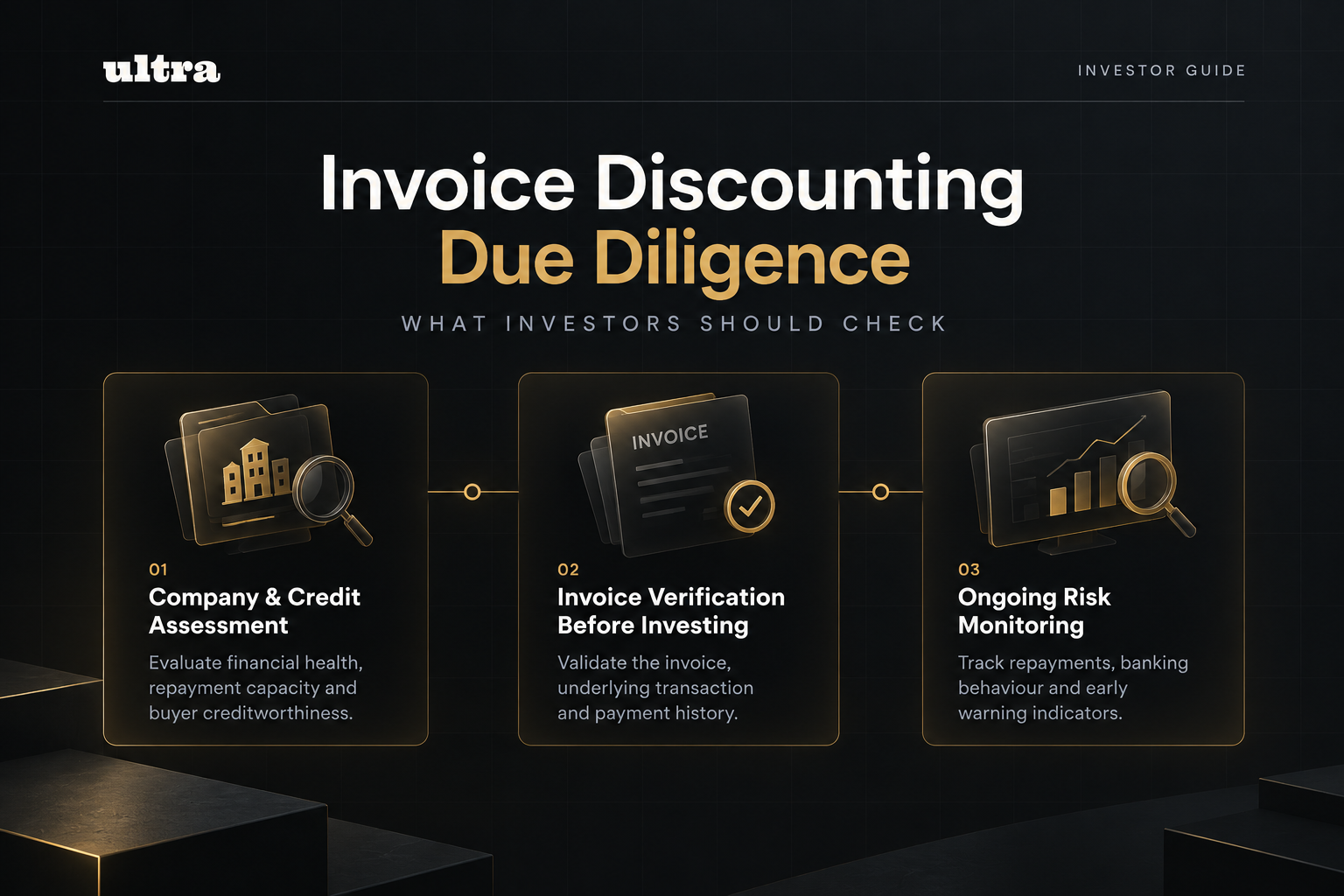
invoice discounting
Invoice Discounting Due Diligence: What Investors Should Check Before Investing
A complete guide to invoice discounting due diligence, covering what to check before you invest and how ultra reviews every business before listing its invoices
Prerna Bhardwaj
·
26 Oct 2026
invoice discounting
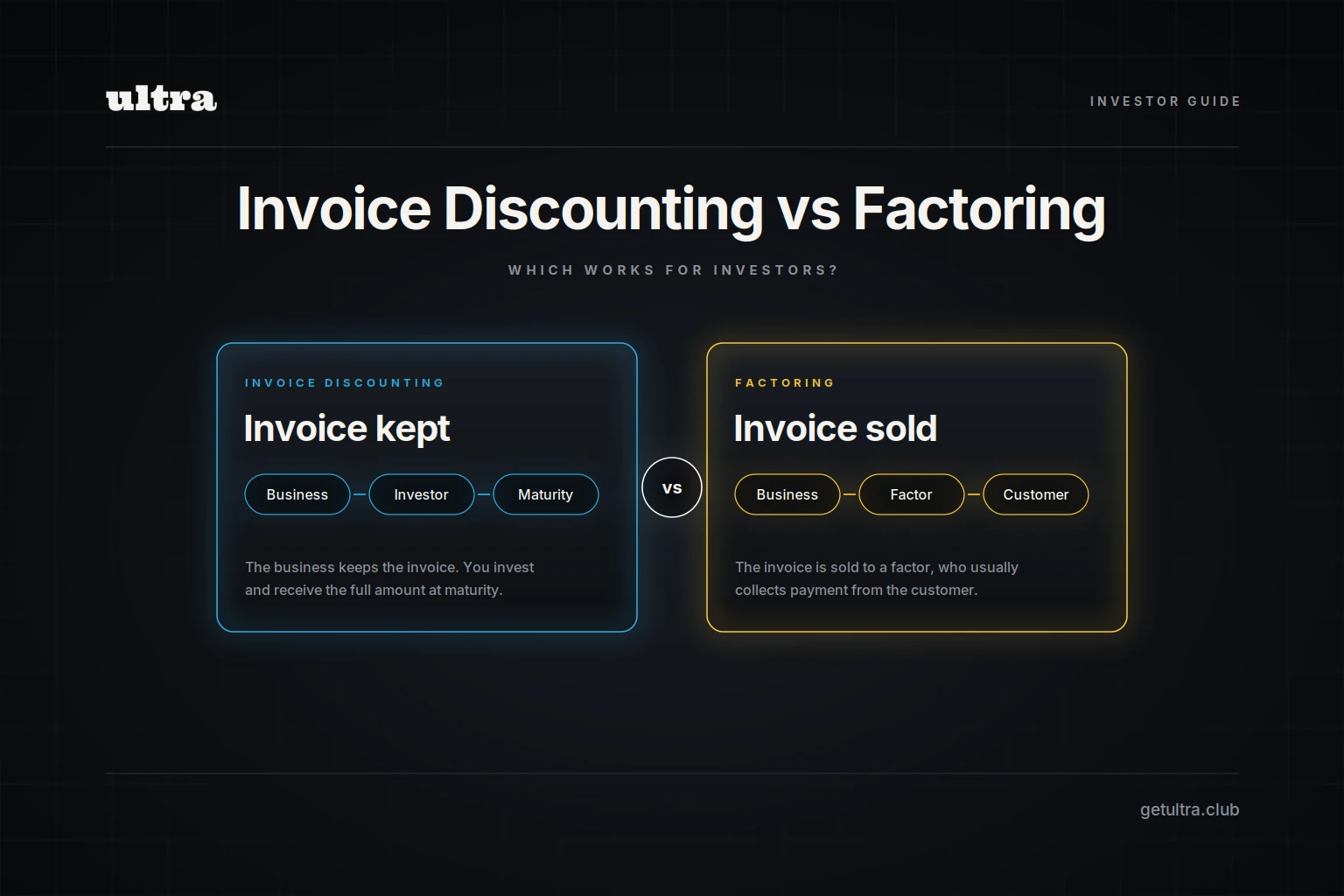
Invoice Discounting vs Factoring: Which Works for Investors?
A complete guide to invoice discounting vs factoring, covering how each works, the key differences between them and why investors choose invoice discounting on ultra.
Prerna Bhardwaj
·
22 Oct 2026

invoice discounting
Invoice Discounting Investment in India: How It Works
A complete guide to invoice discounting investment in India, covering how it works, why experienced investors consider it, where it fits in a portfolio and how to invest with ultra.
Prerna Bhardwaj
·
21 Oct 2026

IPO
Reliance Jio IPO: Date, Price, GMP, Valuation, Review & Details
A complete guide to Reliance Jio IPO 2026, covering Jio Platforms IPO details, issue size, expected date, price band status, GMP context, shareholder quota, company profile, financials, valuation and risks.
Sachin Gadekar
·
19 Oct 2026