ultra

Table of Contents

  1. Introduction to Share Transfer Using MyEasiest

  2. What Is CDSL MyEasiest

  3. Types of Share Transfers Supported by MyEasiest

  4. When Do You Need to Transfer Shares Using CDSL MyEasiest

  5. Prerequisites Before Transferring Shares

  6. Difference Between CDSL Easi and MyEasiest

  7. Step-by-Step Process to Transfer Shares Using MyEasiest

  8. OTP and TPIN Authentication Process

  9. Timeline for Share Transfer via CDSL MyEasiest

  10. Charges Involved in Share Transfer

  11. Common Reasons for Share Transfer Failure

  12. Security and Safety Measures in MyEasiest

  13. Important Things to Remember Before Transferring Shares

  14. Frequently Asked Questions (FAQs)

  15. Conclusion

Categories

Bonds

Finance

Invoice Discounting

Ipo

Pre Ipo

Asset Leasing

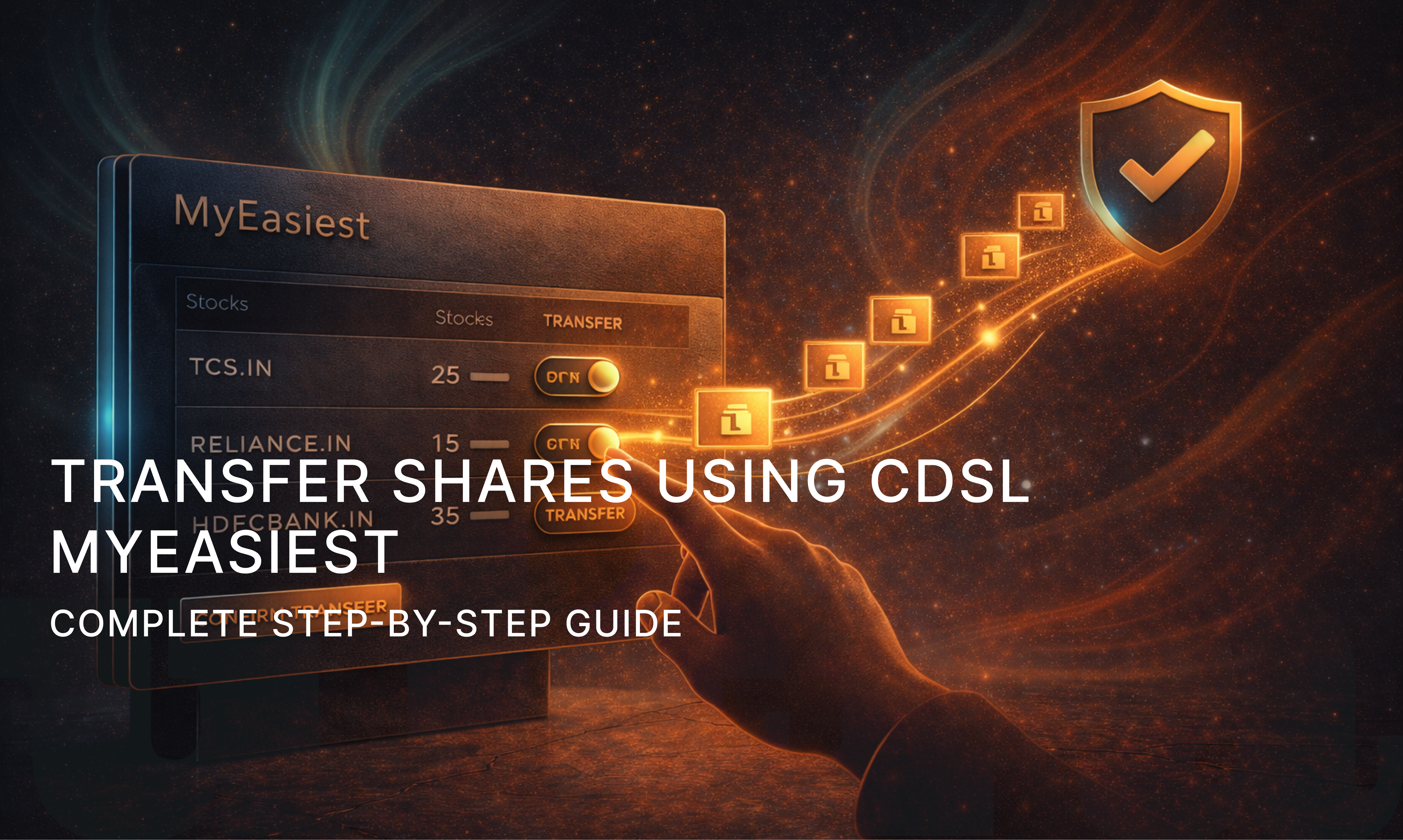
Transfer Shares Using MyEasiest: Complete Step-by-Step Guide

21 December 2025 ·


A Complete Guide on How to Transfer Shares via CDSL MyEasiest
Introduction to Share Transfer Using MyEasiest

With the increasing digitisation of India’s capital markets, investors no longer need to rely on physical Delivery Instruction Slips (DIS) to move their shares. One of the most secure and widely used platforms for off-market share transfer is CDSL MyEasiest.

If you are looking to transfer shares using MyEasiest, this guide explains the complete process in a simple and structured way. From eligibility and prerequisites to timelines, charges, and security, everything is covered in detail.

Share transfer refers to moving securities from one demat account to another without executing a trade on the stock exchange. This is known as an off-market transfer.

CDSL MyEasiest is an online facility provided by Central Depository Services Limited that allows investors to transfer shares digitally in a safe, paperless, and authenticated manner.

What Is CDSL MyEasiest

CDSL MyEasiest is an advanced online platform that enables demat account holders to:

  • Transfer shares to another CDSL demat account

  • Add and manage beneficiary accounts

  • Authenticate transactions using OTP or TPIN

  • Avoid physical paperwork and manual intervention

It is an upgraded version of CDSL Easi, offering transaction-level access instead of just viewing holdings.

Types of Share Transfers Supported by MyEasiest

Using CDSL MyEasiest, investors can perform the following types of transfers:

  • Transfer shares between own demat accounts

  • Transfer shares to family members

  • Gift shares to relatives

  • Transfer shares due to account closure

  • Transfer shares as part of private arrangements

All these transfers fall under off-market transactions and require beneficiary account registration.

When Do You Need to Transfer Shares Using CDSL MyEasiest

You may need to transfer shares using CDSL MyEasiest in situations such as:

  • Changing your stockbroker

  • Consolidating multiple demat accounts

  • Gifting shares to spouse or children

  • Moving shares for personal restructuring

  • Transferring securities without selling them

MyEasiest is the most preferred option because it eliminates physical forms and reduces errors.

Prerequisites Before Transferring Shares

Before initiating a transfer through MyEasiest, ensure the following requirements are met:

  • Active CDSL demat account

  • MyEasiest registration completed and approved

  • Beneficiary demat account added and activated

  • Registered mobile number and email ID

  • TPIN generated or OTP facility enabled

Without these prerequisites, share transfer requests cannot be processed.

Difference Between CDSL Easi and MyEasiest

FeatureCDSL EasiCDSL MyEasiest
Holdings ViewYesYes
Transaction AccessNoYes
Share TransferNot allowedAllowed
OTP / TPIN AuthenticationNoYes
Beneficiary ManagementNoYes

Step-by-Step Process to Transfer Shares Using MyEasiest

Below is the detailed process on how to transfer shares via CDSL MyEasiest.

Step 1: Login to CDSL MyEasiest

Access the MyEasiest portal and log in using your User ID and password.

Step 2: Navigate to Transaction Section

Once logged in, go to the “Transaction” or “Transfer of Securities” section.

Step 3: Select Beneficiary Account

Choose the beneficiary demat account to which you want to transfer the shares. The beneficiary must be pre-approved.

Step 4: Enter Share Transfer Details

Fill in the required details:

  • ISIN of the security

  • Quantity of shares

  • Reason for transfer

Step 5: Confirm the Transfer Request

Review all details carefully before submission.

Step 6: Authenticate Using OTP or TPIN

Authenticate the transaction using OTP sent to your registered mobile/email or by entering your CDSL TPIN.

Once authentication is successful, the share transfer request is submitted.

OTP and TPIN Authentication Process

CDSL uses multi-layer authentication to ensure safety.

  • OTP is sent to the registered mobile number and email

  • TPIN can be generated via CDSL using PAN and OTP

  • Authentication is mandatory for every transfer

This ensures that only the demat account holder can authorise share transfers.

Timeline for Share Transfer via CDSL MyEasiest

Share transfers through MyEasiest are processed relatively quickly.

  • Submission date: Same day

  • Debit from source demat: Within 24 hours

  • Credit to beneficiary demat: Usually within 1–2 working days

In most cases, transfers are completed faster than physical DIS-based transfers.

Charges Involved in Share Transfer

CDSL itself does not levy high charges, but the following may apply:

  • Depository Participant (DP) transaction charges

  • Off-market transfer charges as per broker policy

  • Stamp duty, if applicable

Charges vary from broker to broker, so it is advisable to check your DP tariff.

Common Reasons for Share Transfer Failure

Some common reasons why transfer requests may fail include:

  • Incorrect ISIN or quantity entered

  • Beneficiary account not activated

  • Insufficient free balance of shares

  • TPIN or OTP mismatch

  • Demat account under freeze or lien

Double-checking details before submission helps avoid such issues.

Security and Safety Measures in MyEasiest

CDSL MyEasiest follows strict security protocols:

  • Two-factor authentication

  • Encrypted login sessions

  • OTP and TPIN-based approvals

  • Audit trail for every transaction

  • Limited validity for authentication codes

These measures make MyEasiest one of the safest platforms for off-market share transfer.

Important Things to Remember Before Transferring Shares

  • Ensure beneficiary account is correct and verified

  • Transfer only free and unpledged shares

  • Maintain sufficient balance for DP charges

  • Keep registered mobile and email active

  • Avoid initiating transfers close to market holidays

Following these best practices ensures smooth execution.

Frequently Asked Questions (FAQs)

Q1. Can I transfer shares using MyEasiest on the same day?

Yes, the request can be submitted the same day, but credit may take up to two working days.

Q2. Is MyEasiest mandatory for online share transfer?

Yes, online share transfers require MyEasiest access.

Q3. Can I transfer shares to a non-CDSL demat account?

MyEasiest supports CDSL-to-CDSL transfers. Inter-depository transfers follow a different process.

Q4. Is transferring shares via MyEasiest safe?

Yes, it is highly secure due to OTP and TPIN-based authentication.

Q5. Can shares be transferred without adding a beneficiary account?

No, adding and activating a beneficiary account is mandatory.

Conclusion

Learning how to transfer shares using CDSL MyEasiest is essential for modern investors who want flexibility without selling their holdings. The platform offers a secure, paperless, and efficient way to move shares between demat accounts while maintaining full control and transparency.

By following the step-by-step process outlined in this guide and ensuring all prerequisites are met, investors can confidently use MyEasiest for off-market share transfers with minimal effort and maximum security.

u

Crafted for the Pros.

Get ultra today and unlock access to exclusive
investment opportunities

play storeapp store

Socials

  • Instagram
  • Youtube
  • Twitter
  • LinkedIn

Support

  • Email Us
  • WhatsApp Us
  • Call Us

Address

HSR Layout
Bengaluru – 560102

Resources

  • Terms & Conditions
  • Privacy Policy
  • Risk Disclosure
  • Blogs
  • All Offerings

COPYRIGHT 2025 @ FIXDOT

ultra