How to Add Beneficiary on NSDL: Online & Speed-e Step-by-Step Guide
22 December 2025
A Complete Guide to NSDL Beneficiary Addition for Off-Market Share Transfers
Introduction
If you hold shares in an NSDL demat account and want to transfer securities to another demat account, the first and most important step is to add a beneficiary on NSDL. Without adding and verifying a beneficiary, off-market share transfers are not permitted.
This article explains how to add beneficiary on NSDL online, including the Speed-e process, verification timelines, rules, and common mistakes to avoid. The guide is written in a simple and structured manner to help both beginners and experienced investors.
What Is a Beneficiary in NSDL
A beneficiary in NSDL is the target demat account to which shares will be transferred from your NSDL demat account.
In simple terms:
Your NSDL account is the source
The beneficiary account is the destination
NSDL requires beneficiary details to be added and verified before allowing any off-market share transfer.
Why You Need to Add a Beneficiary on NSDL
You must add a beneficiary on NSDL in situations such as:
Transferring shares to your own demat account
Transferring shares to family members
Changing brokers
Consolidating multiple demat accounts
Gifting shares
Off-market transfers
Without beneficiary registration, NSDL blocks share transfer requests.
NSDL vs CDSL Beneficiary Addition
Although the objective is the same, the process differs slightly:
NSDL primarily uses Speed-e for online beneficiary addition
CDSL uses Easi/Easiest
Understanding NSDL’s process is important if your demat account is held with an NSDL Depository Participant.
Ways to Add Beneficiary on NSDL
There are two main methods to add beneficiary on NSDL:
Online via NSDL Speed-e
Offline via physical form (through broker)
This article focuses mainly on the online method, as it is faster and widely used.
Prerequisites Before Adding Beneficiary on NSDL
Before starting the process, ensure the following:
Your NSDL demat account is active
Speed-e facility is enabled
Mobile number and email are registered
You have target demat account details
PAN is updated in both accounts
Missing prerequisites can delay or reject beneficiary addition.
What Is NSDL Speed-e Facility
NSDL Speed-e is an online platform that allows investors to:
Transfer shares online
Add or manage beneficiaries
Authorise off-market transactions
To use Speed-e, your demat account must be registered for the facility through your broker.
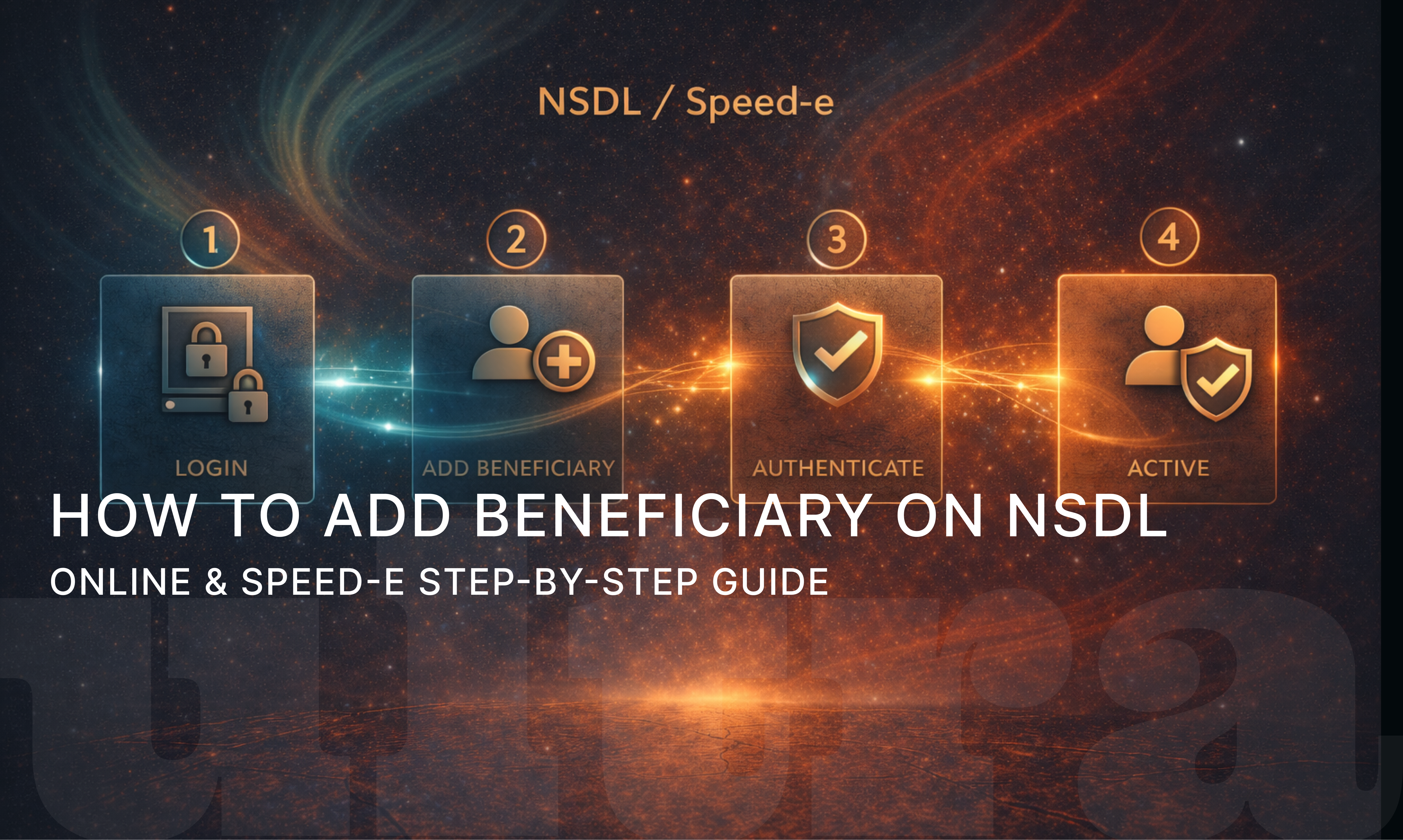
Step-by-Step Process: How to Add Beneficiary on NSDL Online
Below is the complete step-by-step explanation of how to add beneficiary on NSDL online.
Step 1: Log in to NSDL Speed-e
Visit the Speed-e login page and enter:
User ID
Password
Authentication details (OTP or token-based)
You will be redirected to your Speed-e dashboard.
Step 2: Select “Add Beneficiary” Option
From the menu:
Choose Beneficiary Management
Click on Add Beneficiary
This option is available only after Speed-e activation.
Step 3: Enter Target Demat Account Details
You need to fill:
Target DP ID
Target Client ID
Depository type (NSDL or CDSL)
Ensure that the DP ID and Client ID are entered correctly.
Step 4: Verify Beneficiary Details
Before submission:
Recheck DP ID and Client ID
Confirm beneficiary name displayed
Ensure it matches the target demat account
Incorrect entries may result in rejection.
Step 5: Submit Beneficiary Request
Submit the request and complete authentication using:
OTP
Digital verification
Token-based confirmation (if applicable)
This completes the beneficiary addition request.
NSDL Speed-e Add Beneficiary Process Explained
When you submit a beneficiary addition request via Speed-e:
Request is sent to NSDL
NSDL validates demat details
Verification process is initiated
Beneficiary status changes to “Pending”
Once verified, the beneficiary becomes active for transfers.
NSDL Beneficiary Addition Verification Process
Verification is mandatory for security reasons.
The verification process may include:
OTP confirmation
Cooling-off period
Broker-level validation
Some brokers may also call or email for confirmation.
Timeline for Beneficiary Activation on NSDL
Typical activation timeline:
Submission: Day 0
Verification: 24–48 hours
Activation: Within 1–3 working days
The timeline may vary depending on broker policies.
Common Reasons for Beneficiary Rejection
Beneficiary addition may fail due to:
Incorrect DP ID or Client ID
Mismatch in beneficiary name
Inactive target demat account
Speed-e not fully activated
Technical or authentication errors
Careful data entry reduces rejection risk.
NSDL Off-Market Add Beneficiary Rules
Key rules to remember:
Beneficiary must be added before transfer
Joint account holders must comply with signing rules
Transfers allowed only after verification
Some brokers impose daily transfer limits
Understanding these rules ensures smooth transactions.
Important Safety Tips for NSDL Beneficiary Addition
To keep your account secure:
Add only trusted beneficiary accounts
Do not share Speed-e credentials
Enable alerts for demat transactions
Regularly review beneficiary list
Remove unused beneficiaries
These steps help prevent unauthorized transfers.
Frequently Asked Questions (FAQs)
Q1. Is beneficiary addition mandatory for NSDL off-market transfers?
Yes, beneficiary addition and verification are mandatory.
Q2. Can I add a CDSL account as beneficiary on NSDL?
Yes, NSDL allows adding both NSDL and CDSL demat accounts.
Q3. How long does NSDL beneficiary verification take?
Usually 1 to 3 working days.
Q4. Can I delete a beneficiary after adding it?
Yes, beneficiaries can be deleted after logging into Speed-e.
Q5. Is Speed-e mandatory to add beneficiary on NSDL online?
Yes, Speed-e is required for online beneficiary addition.
Conclusion
Understanding how to add beneficiary on NSDL is crucial for anyone planning off-market share transfers. The Speed-e platform makes the process convenient, secure, and efficient when used correctly.
By following the correct steps, ensuring accurate demat details, and completing verification, investors can activate beneficiaries smoothly and transfer shares without delays.
Recent articles
View all
finance
RBI Repo Rate Hike: October 2026 Policy Update, Impact on Loans, EMIs, Deposits & Markets
A simple guide to the October 2026 RBI repo rate hike, what it means for borrowers, depositors, investors, banks and the broader economy.
Sachin Gadekar
·
08 Oct 2026

IPO
Reliance Jio IPO: Date, Price, GMP, Valuation, Review & Details
A complete guide to Reliance Jio IPO 2026, covering Jio Platforms IPO details, issue size, expected date, price band status, GMP context, shareholder quota, company profile, financials, valuation and risks.
Sachin Gadekar
·
07 Oct 2026

IPO
HD Fire Protect IPO Details: Date, Price, GMP, Review & How to Apply
A complete guide to HD Fire Protect IPO 2026, covering issue size, OFS structure, price band, lot size, GMP context, company profile, financials, risks, valuation and application process.
Sachin Gadekar
·
07 Oct 2026

IPO
Nityas Gems & Jewellery IPO Details: Date, Price, GMP, Review & How to Apply
A complete guide to Nityas Gems & Jewellery IPO 2026, covering issue size, GMP context, price band, lot size, company profile, financials, risks, valuation and application process.
Sachin Gadekar
·
05 Oct 2026