Add Beneficiary Account CDSL Online: Complete Step-by-Step Guide
20 December 2025
Complete Guide to Adding a Beneficiary Account on CDSL MyEasiest
Introduction to Beneficiary Accounts in CDSL
With the digitisation of India’s securities market, investors no longer need to rely on physical forms or manual processes to transfer shares. One of the most important features enabling smooth off-market share transfers is the ability to add beneficiary account CDSL online.
Whether you want to transfer shares between your own demat accounts, move holdings to a family member, or facilitate non-exchange transactions, adding a beneficiary account is a mandatory step.
This guide explains everything you need to know about adding a beneficiary account in CDSL, including eligibility, process, timelines, benefits, and common mistakes to avoid.
CDSL (Central Depository Services Limited) acts as a depository that holds securities in electronic form on behalf of investors. Each investor is assigned a Beneficial Owner (BO) ID, commonly known as a demat account number.
When you want to transfer shares off-market (not through stock exchange trading), CDSL requires you to first register the recipient demat account as a beneficiary account. This ensures that shares are transferred only to verified and authorised demat accounts.
What Is a Beneficiary Account in a Demat Setup
A beneficiary account is a demat account that you authorise to receive securities from your demat account. Once added and approved, this account becomes eligible to receive shares via off-market transfers.
In simple terms:
Your demat account is the sender
The beneficiary demat account is the receiver
Without adding the beneficiary account, off-market share transfers cannot be completed digitally.
Difference Between Beneficiary Account and Trusted Account
| Aspect | Beneficiary Account | Trusted Account |
|---|---|---|
| Purpose | Enables share transfer | Simplifies approval process |
| Mandatory | Yes, for off-market transfer | Optional |
| Security Level | Basic verification | Enhanced security |
| Platform | Easi / MyEasiest | MyEasiest only |
Why You Need to Add Beneficiary Account CDSL
There are several reasons why investors need to add a beneficiary account:
To transfer shares between two demat accounts
To gift shares to family members
To move holdings across brokers
To settle private transactions
To avoid physical DIS slips
Adding the beneficiary account ensures that all transfers are authorised, traceable, and secure.
Prerequisites Before Adding a Beneficiary Account
Before you proceed to add beneficiary account CDSL online, ensure the following:
Active CDSL demat account
Registration on CDSL MyEasiest (preferred) or Easi
BO ID of the beneficiary demat account
Registered mobile number and email ID for OTP authentication
Internet banking or demat access enabled through your broker
If your account is still on view-only access, upgrading to MyEasiest is recommended.
CDSL Easi vs CDSL MyEasiest
CDSL provides two online platforms:
CDSL Easi
View holdings and transactions
Limited functionality
Cannot initiate online share transfers
CDSL MyEasiest
Full transaction access
Add beneficiary account online
Transfer shares digitally
OTP-based authentication
To add beneficiary account CDSL online, MyEasiest access is essential.
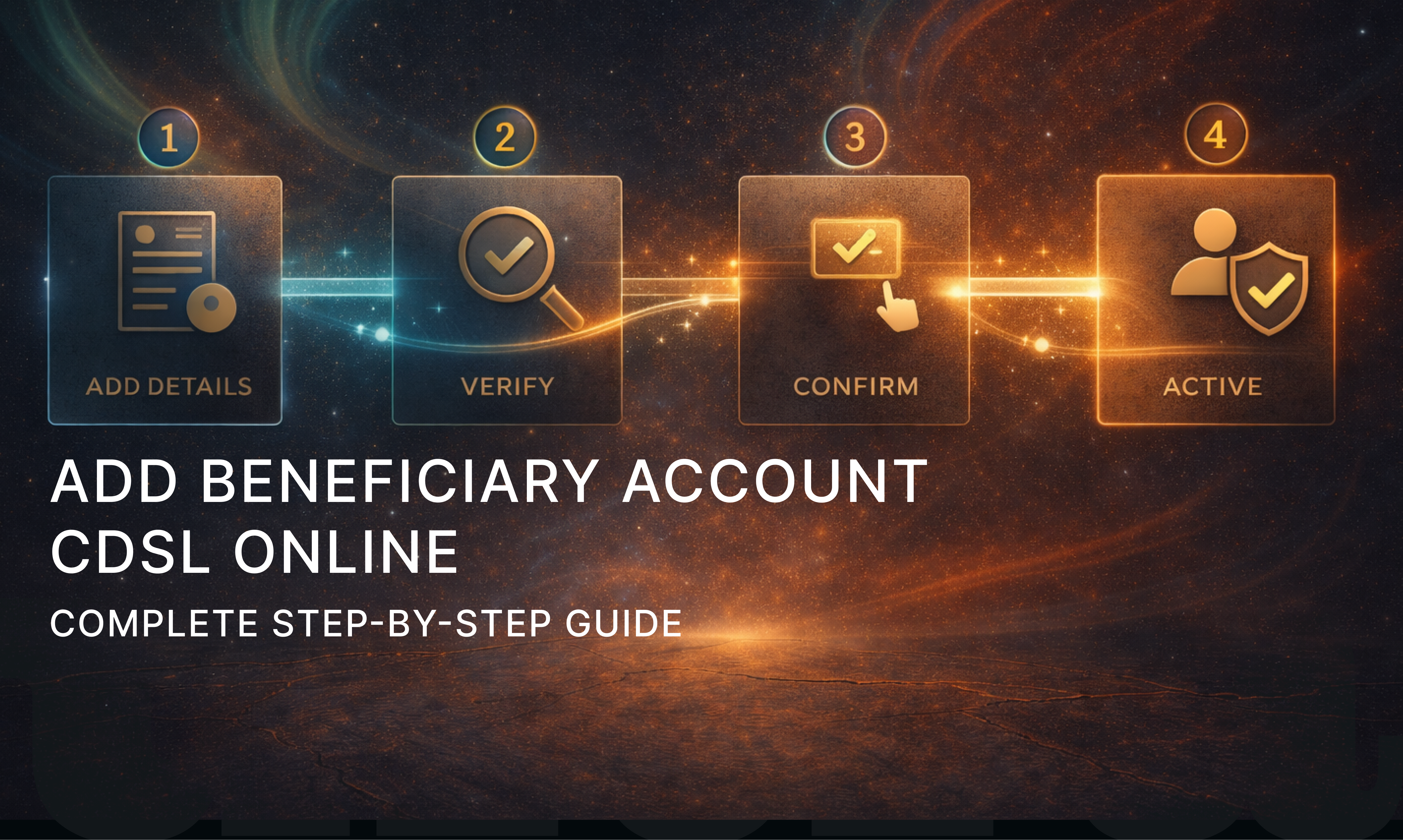
Step-by-Step Process to Add Beneficiary Account CDSL Online
Follow these steps to add a beneficiary account using MyEasiest:
Step 1: Login to CDSL MyEasiest
Access the MyEasiest portal and log in using:
User ID
Password
OTP or PIN (as applicable)
Step 2: Navigate to Beneficiary Management
After login, go to:
“Transaction” or “Setup” section
Select “Add Beneficiary Account”
Step 3: Enter Beneficiary Details
Provide the following details accurately:
Beneficiary BO ID (16-digit demat number)
Beneficiary name (auto-fetched in most cases)
Step 4: Submit Request
Carefully review the details and submit the request.
Step 5: OTP Authentication
You will receive an OTP on your registered mobile/email. Enter the OTP to confirm the request.
Once authenticated, the beneficiary addition request is successfully submitted.
OTP Authentication and Verification Process
CDSL uses OTP-based authentication to ensure security. This includes:
OTP sent to registered mobile number
OTP valid only for a limited time
Mandatory verification for each beneficiary addition
This step ensures that only the rightful demat holder can authorise beneficiary accounts.
Timeline for Beneficiary Account Activation
After submission, the beneficiary account is not activated instantly.
Typical activation timeline:
24 to 48 hours after submission
In some cases, up to 2 working days depending on DP verification
Once activated, the beneficiary account becomes available for share transfers.
Common Errors While Adding Beneficiary Account
Some common issues investors face include:
Incorrect BO ID entered
Mismatch in beneficiary name
OTP not received due to inactive mobile/email
Attempting via Easi instead of MyEasiest
DP-level restrictions or delays
Ensuring correct details and updated contact information helps avoid delays.
Security and Safety Measures by CDSL
CDSL ensures investor safety through:
Two-factor authentication
Encrypted login sessions
OTP-based approvals
Beneficiary verification timelines
Transaction audit trails
These measures significantly reduce the risk of unauthorised share transfers.
Important Things Investors Should Keep in Mind
Always double-check BO ID before submission
Do not add unknown or third-party accounts
Keep your registered mobile and email active
Use only official CDSL portals
Remove beneficiary accounts that are no longer needed
These best practices help maintain demat account security.
Frequently Asked Questions (FAQs)
Q1. Is it mandatory to add beneficiary account for off-market transfer?
Yes, CDSL requires beneficiary account registration for all off-market share transfers.
Q2. Can I add beneficiary account CDSL online without MyEasiest?
No. Online beneficiary addition requires MyEasiest access.
Q3. How many beneficiary accounts can I add?
There is no strict limit, but adding only necessary accounts is recommended.
Q4. Can I delete a beneficiary account later?
Yes, beneficiary accounts can be removed through MyEasiest after authentication.
Q5. Is there any fee for adding a beneficiary account?
CDSL does not charge directly, but some brokers may apply nominal DP charges.
Conclusion
Adding a beneficiary account CDSL online is a crucial step for investors who want to transfer shares securely and digitally. With MyEasiest, the entire process is paperless, transparent, and protected by multiple layers of authentication.
By understanding the process, timelines, and precautions explained in this guide, investors can confidently manage off-market share transfers without operational hurdles. As India’s capital markets continue to modernise, features like online beneficiary account addition play a key role in making investing seamless and secure.
Recent articles
View all
IPO
How to Read an IPO RHP Before Applying
A beginner-friendly guide to reading an IPO Red Herring Prospectus and understanding the key sections investors should review before applying.
Sachin Gadekar
·
24 Sep 2026
IPO
IPO Price Band and Lot Size Explained for Beginners
A simple guide explaining how IPO price bands and lot sizes work, why they matter for retail investors and what to check before applying for an IPO.
Sachin Gadekar
·
23 Sep 2026

IPO
What Is IPO GMP and Why It Can Be Misleading?
A simple guide explaining IPO GMP, grey market premium, expected listing price, common misconceptions, risks and what investors should check before applying for an IPO.
Sachin Gadekar
·
22 Sep 2026

IPO
Fresh Issue vs OFS in IPO: What Investors Should Know
A simple guide explaining fresh issue, offer for sale, IPO proceeds, dilution, promoter selling and what retail investors should review before investing in an IPO.
Sachin Gadekar
·
21 Sep 2026